

How to Save Your Laptop from Liquid Spill (Water / Coffee)

A sudden spill of water, tea, or coffee on your laptop can cause instant panic. In these critical seconds, your response determines whether the device is easily salvaged or completely destroyed. Since liquids conduct electricity, your main goal is to instantly disconnect power before a motherboard short-circuit happens.
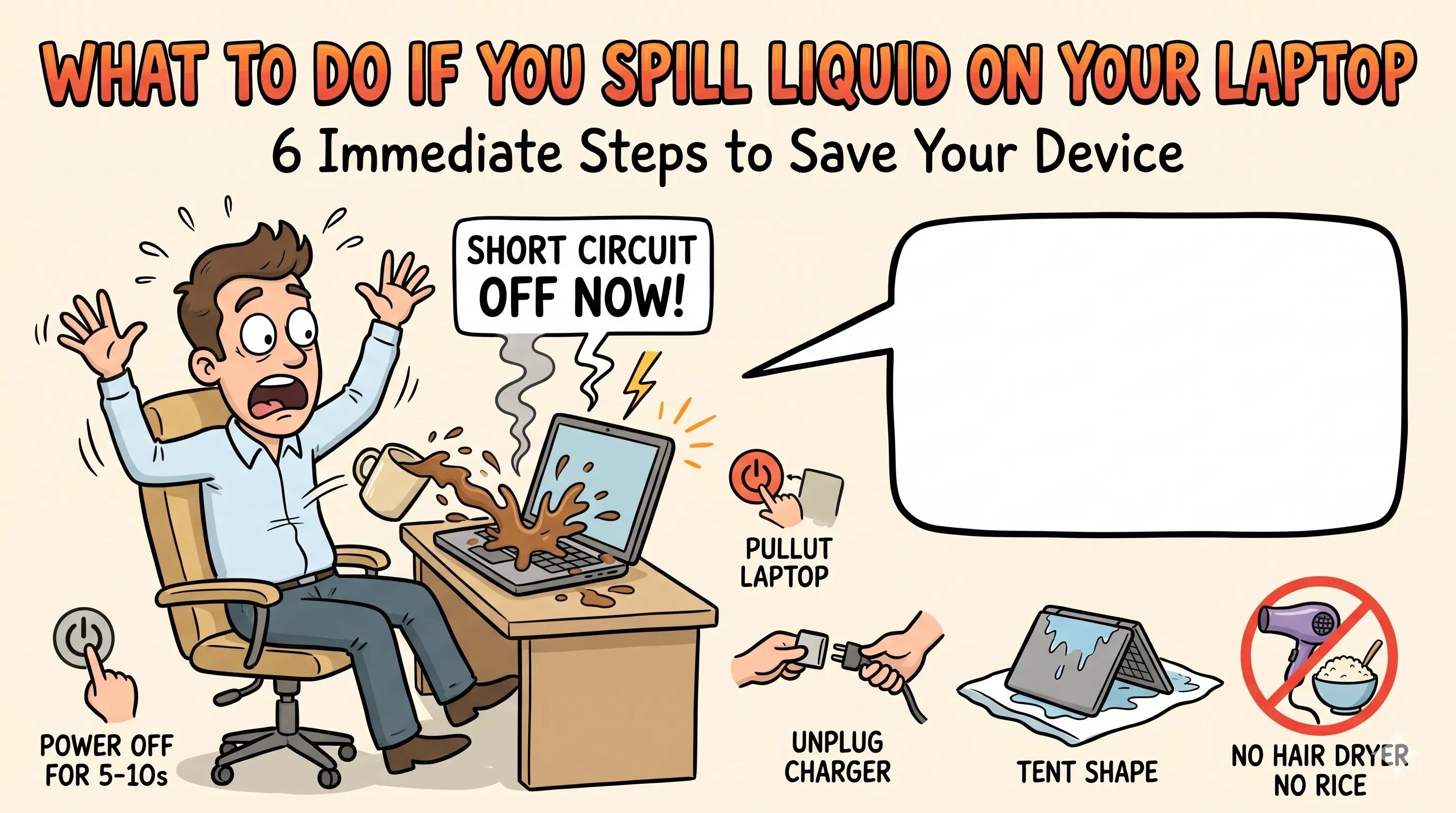
If you just spilled liquid on your device, do not panic. Follow these 6 immediate, emergency steps to save your laptop from permanent damage:
Step 1: Power Off Immediately (Hold 5-10 Seconds)Stop what you are doing. Don't wait for your operating system to safely shut down. Press and hold your laptop’s physical power button down for 5 to 10 seconds to force an instant shut down. Disconnecting the internal power within the first 3 seconds is the single most important step to prevent active current from causing a short circuit.
Step 2: Unplug Charger and Power SourcesInstantly pull the charger cable out from the charging port of the laptop. This cuts off any external power flow that can create spark-level damage to internal circuits. If your laptop has a removable/detachable battery, immediately slide the latch and take it out. (Note: For modern laptops with internal non-removable batteries, just keep the laptop powered off and do not try to unscrew it yourself unless you have tools and technical experience).
Step 3: Unplug All Peripherals & Accessories (Pull Out)Quickly disconnect anything plugged into the laptop’s ports. This includes USB mouse, flash drives, external hard drives, keyboards, and headphones. Liquid can quickly seep into these open ports, so removing connected accessories avoids a short circuit in the accessories themselves.
Step 4: Wipe Visible LiquidGently grab paper towels or a dry microfiber cloth and blot away as much excess liquid on the surface as possible. Avoid wiping or rubbing forcefully, as this can accidentally push the pooling liquid deeper into the gaps between the keys and the chassis.
Step 5: Place It in "Tent" ShapeOpen your laptop screen as wide as it will go and place it face-down on a flat surface covered with a dry towel, forming an inverted "V" (tent) shape. This uses gravity to draw the moisture outward and downward, away from the motherboard, keyboard matrix, and sensitive processing chips inside. Keep it in this position to drain for at least 24 to 48 hours in a well-ventilated room.
Step 6: Avoid Hair Dryers and Uncooked Rice!There is a popular myth that putting your laptop in a bag of uncooked rice will dry it. Do not do this. Rice starch and small grains will get into the cooling fans, USB ports, and heat vents, turning the sticky liquid into a hard, messy paste inside. Similarly, never use a hair dryer or direct heat gun—forceful hot air will warp your keyboard’s keycaps and blow liquid further inside, accelerating corrosion.
Understanding Liquid Damage & Professional CheckupsWhile pure water might evaporate, sugary or acidic drinks like coffee, tea, and soda leave behind sticky, corrosive residues that will eat away at the motherboard over time, even after it dries.
If your laptop does not turn on after 48 hours of drying, or if you are dealing with a sticky, sugary spill, seeking expert help is crucial. For chip-level diagnostics, ultrasonic cleaning, and reliable laptop motherboard repair in Chennai ↗, the technicians at Raminfotech Laptop Service can fully de-corrode, diagnose, and safely restore your device.